Turning Your Excel Into a Business Application: When (and How) to Make the Move
LALucien Arbieu11 min read
Friday, 5 p.m. The person who runs « the file » is out sick. Nobody else really knows how it works. Quotes are on hold, reporting is frozen, and the whole team is staring at the same Excel workbook, afraid to touch it.
The biggest risk to a small business isn’t a competitor. It’s that file, and the one person who knows how to keep it running.
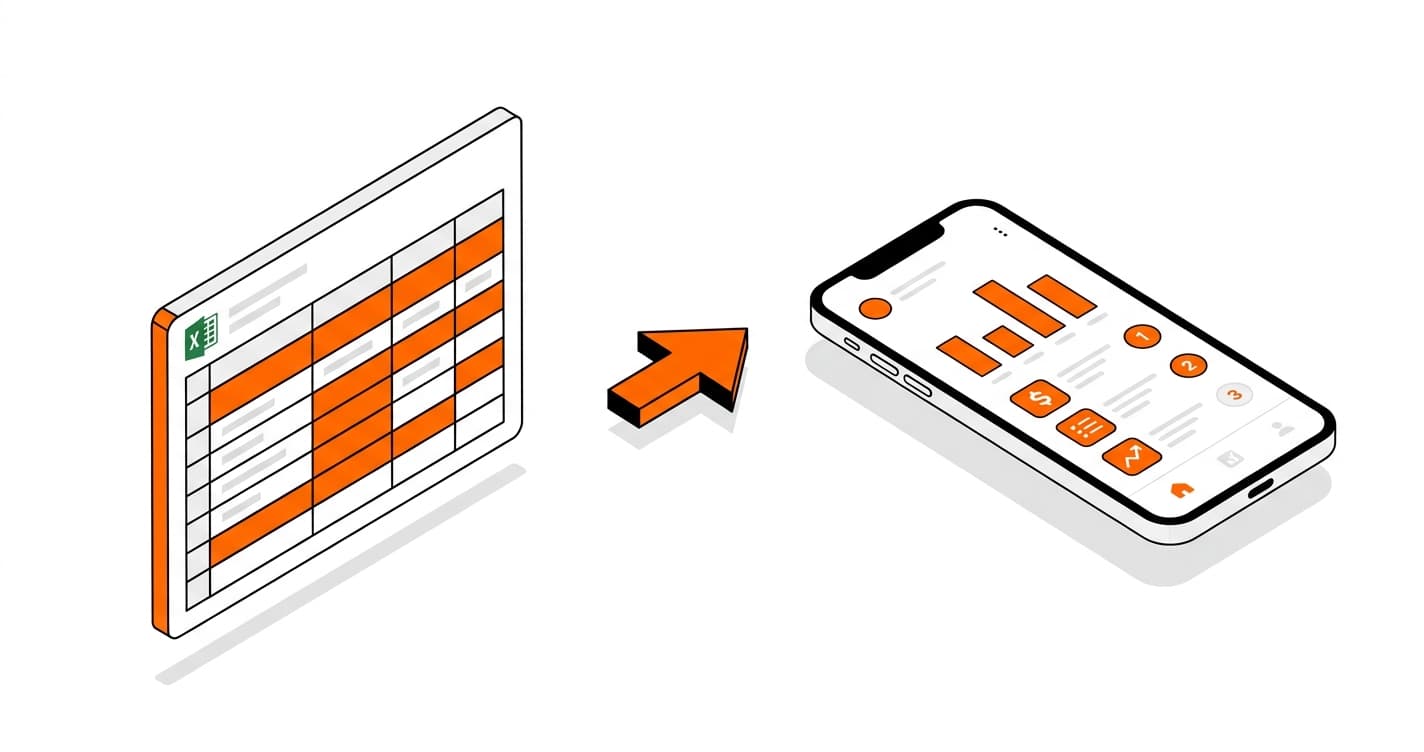
Yet there’s a precise moment when Excel stops saving you time and starts costing you. Spotting it early, then turning your Excel into a business application without breaking everything, changes the game. No overpriced over-engineered system, no no-code tool that hits a ceiling, no freelancer who walks out halfway: here’s how to make the move cleanly.
Excel is a great starting point. The trouble comes later.
This isn’t an article against Excel. When a business is starting out, it’s the right tool: free, flexible, everyone knows how to use it. You model your business your own way, you adjust in five minutes, no developer needed. That’s exactly why so many solid companies are built on a spreadsheet, and also why they stay on it too long.
The question was never « Excel or something else. » It’s the moment when the tool that got you started becomes the one holding you back. A spreadsheet was built to calculate, not to run a company day after day, with several people, growing volume, and data that has to stay reliable. Past a certain point, you don’t use Excel anymore: you maintain it.
How do you know your Excel has become a risk?
In short: when you re-enter the same data in several places, when only one person dares touch the file, and when you can’t take on more volume without hiring just for data entry. A single one of these signs is nothing to worry about. Three or more, and your file no longer saves you time: it costs you, without ever showing up on an invoice.
You (or someone) re-enter the same data across several files or tools. As one manager told us: « We enter the hours 4, 5, 6 times over. »
The file has grown so heavy that only one person still dares touch it.
You catch errors too late: one wrong row, a faulty formula spread everywhere.
You can’t take on more clients without hiring just for data entry.
No real-time view: to know where you stand, you have to compile everything by hand.
If the key person goes on leave or quits, the business grinds to a halt.
Field note: 8 out of 10 SMEs we audit run on a critical Excel file open six hours a day, kept alive by a single person. The problem is never the software. It’s the dependency.
Free tool
AI Specifications Generator
Create professional project specifications in minutes with our AI-powered tool.
What your Excel really costs you (and what you don’t see)
The pain of an Excel that’s buckling translates into time and money. Laid out plainly, it’s surprising.
Time. Every re-entry, every manual compile, that’s hours a week. Add them up: you often land on a hidden half-time role, half a salary spent doing what a tool would do on its own.
Errors. Re-entering multiplies the risk, and you catch mistakes too late: a client billed wrong, a margin miscalculated, trust eroding.
The growth ceiling. To take on more clients, you’d have to hire, just for data entry. Your growth is capped by a spreadsheet.
Dependency. One person who masters the file is a single point of failure for the whole company.
A concrete example. ODR Pharma, a pharmaceutical audit firm of about fifteen people, tracked supplier rebates in Excel. Each client file took one hour to compile, analyze, and report. They couldn’t take on more clients without hiring for data entry. After moving to a tool built for their business, they dropped to fifteen minutes per file, a 75% cut in admin time, and their capacity went from 30 to 300 clients per employee, without a single new hire.
The false good solutions (and why they disappoint)
Before investing, most managers consider three paths. None is absurd, but each one breaks down at a specific point.
The path
What it solves
Where it breaks down
A bigger Excel, with macros
Saves a little time, pushes the deadline back
You push the wall back without removing it. And the dependency on whoever masters the macros only gets worse.
No-code (Bubble, Webflow…)
Great for testing an idea fast and cheap
It hits a ceiling the moment you want to go further: performance, edge cases, growing load.
The cheapest freelancer
Low entry cost
Risk of being left stranded mid-project, with no one to pick it up.
We often hear the same thing: « A freelancer told me no-code, whatever, and I didn’t go any further. » That’s normal, and we’re not selling fear: we’re naming what many managers have already lived through.
What a real business application looks like
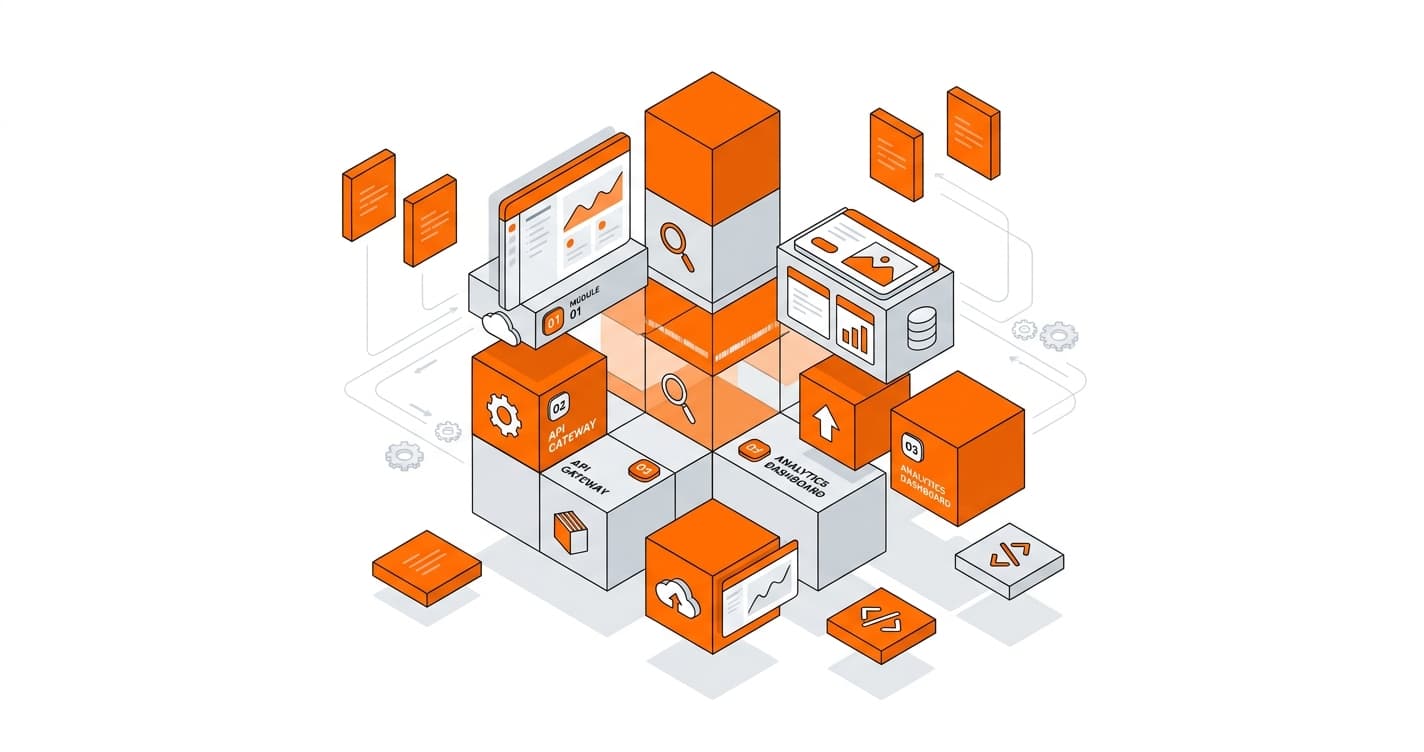
A business application is a tool built around the way you work, where data lives in one place and every team member finds exactly what they need. Forget the tech for a second. In practice, instead of your spreadsheet, you get:
A single platform where each piece of data lives once: no more double entry.
A tool designed for your business, not a generic piece of software bent to fit.
A real-time view of your activity: you know where you stand without compiling anything.
Accessible to the whole team, each with the right permissions.
A tool that grows with you, the house that can later become a building.
One thing to remember: « custom » doesn’t mean an overpriced over-engineered system. You don’t start with a hundred-page spec, but with a useful first version that fixes what hurts most.
The right moment, and how not to get it wrong
The risk in leaving Excel is replacing one problem with another: an endless project, a tool you don’t control, shaky foundations when volume grows. The method to avoid that comes down to four principles.
Start small. A V1 that fixes THE number-one pain, delivered fast, in service right away.
In stages. You validate what works, then evolve the tool. Not a six-month tunnel where you discover the result at the end.
You keep control. Your code, your data, your tool. You don’t depend on anyone, not even us.
We carry over what exists. Your Excel data is imported: you don’t start from a blank page.
That’s the difference between a vendor who hands over a black box and a partner who lays solid foundations you can build on.
How much does a custom business application cost?
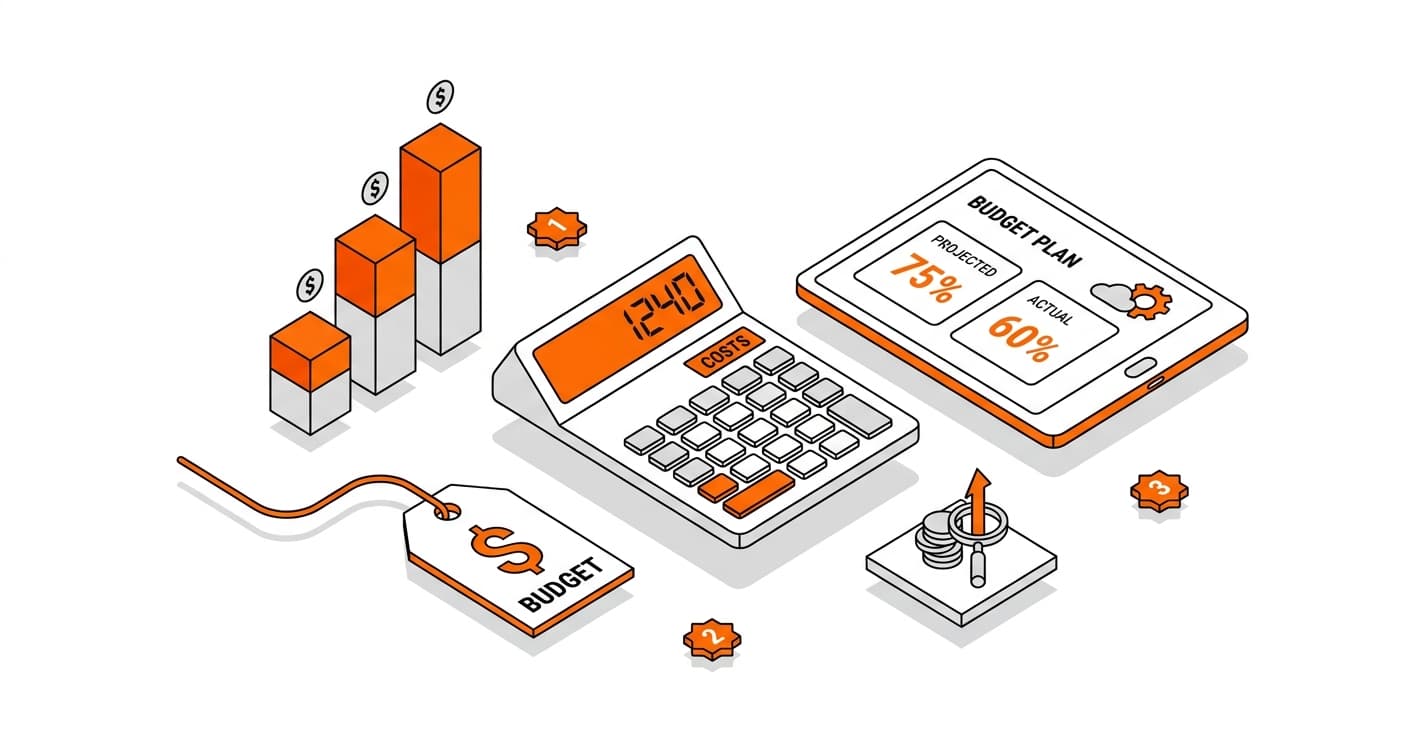
A useful first version often starts at a few thousand euros, far from the €50,000 quote people dread. « Custom, » to a manager, sounds expensive, long, and risky. We understand the worry, and we’ll be direct: that’s false when the project is properly scoped.
For Armodoc, an electrical and HVAC company, replacing a paper process with a complete application cost around €6,000, delivered in two to three weeks. Same logic as an Excel that’s buckling: another manual process, replaced by a custom tool, fast and without breaking the bank.
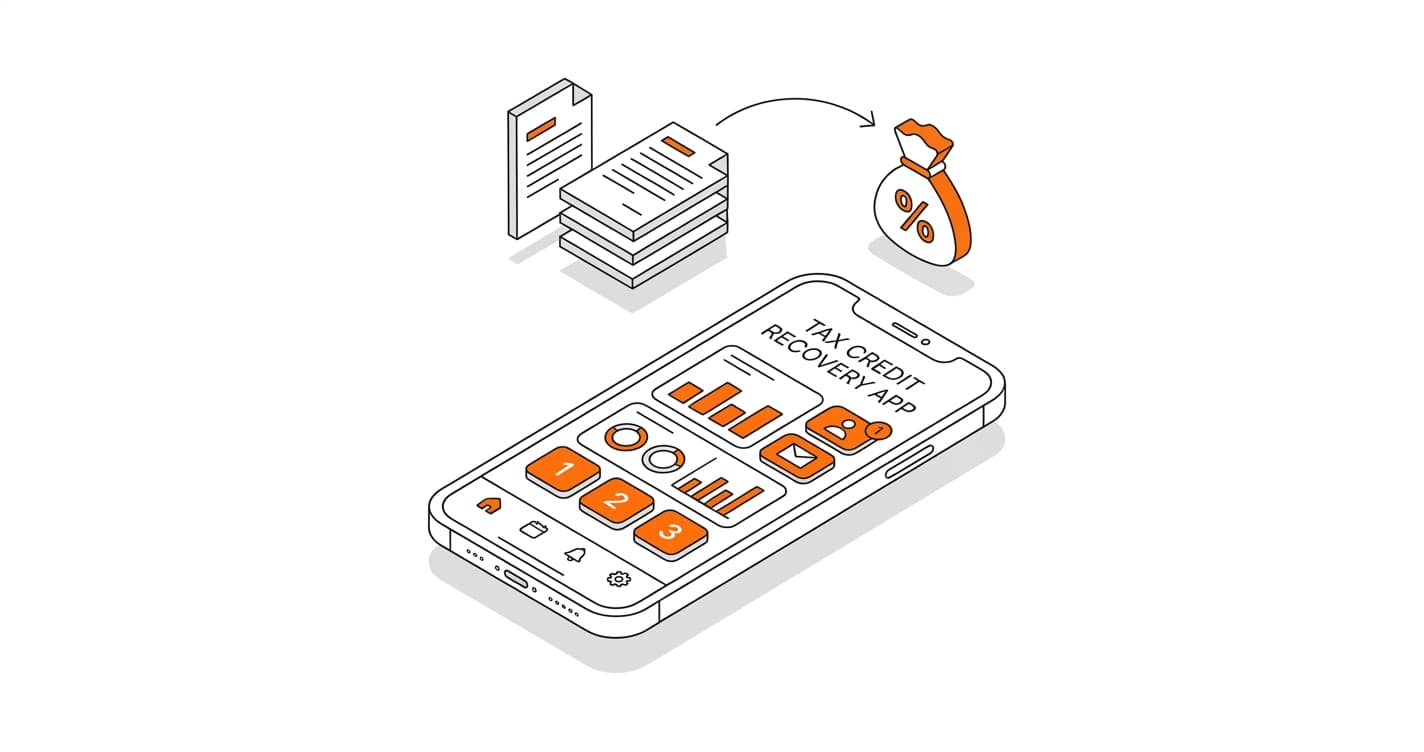
And this kind of development can, in some cases, be partly funded, notably through innovation-support schemes such as France’s innovation tax credit (crédit d’impôt innovation), depending on your situation. We lay out the ranges and funding options in what a custom business application really costs.
Business owners who left Excel behind (and what changed)
Four companies, four different manual processes, one and the same shift.
Company
Starting point
After
ODR Pharma (pharma audit)
Supplier rebates tracked in Excel, 1 hour per file
15 minutes per file, capacity from 30 to 300 clients/employee, errors from 5-10% to under 1%
Solteo (installer network)
Fragmented tracking of 100+ installers
One single platform, 60% less admin time, zero lost files
Armodoc (electrical / HVAC)
Paper process: plans, registers, forms
App with QR-code access, ~200 sites that can be equipped, delivered in 2-3 weeks
Upcreators (creator management)
Manual tracking plus a failed attempt on Webflow
Custom platform, ~1,000 creators signed up
The ODR Pharma case deserves an extra word, because what makes it credible is what came before it. Before us, they’d been through two generic agencies and a freelancer who quit after three months. Victor, their director, sums it up like this:
We had agencies selling dreams with technical jargon. PeakLab was different: they understood our business.
The difference isn’t the code. It’s understanding the business first. The full ODD Pharma case is available among our client stories.
When should you drop Excel for custom business software?
The signal isn’t a file size, it’s a cluster of clues: you re-enter the same data in several places, only one person still dares touch the file, and you can’t take on more volume without hiring for data entry. If you check three of these boxes, Excel no longer saves you time. That’s the right moment to consider custom business software, starting small.
Can you recover your Excel data in the new application?
Yes. Your existing data is imported into the application: you don’t start from a blank page and you don’t re-enter anything. It’s actually one of the benefits of going custom: the tool fits the way you already work, your columns and your categories, instead of forcing a generic format on you. The history you built in Excel stays usable from day one.
How long does it take to turn an Excel into an application?
It depends on scope, but a useful first version is often delivered in a few weeks, not six months. For Armodoc, a complete application replacing a paper process was delivered in two to three weeks. The idea is to fix the main pain first with a V1, put it in service fast, then evolve the tool in stages based on your feedback.
Is a custom management application only for large companies?
No. The image of custom as « expensive, long, and risky » is largely false when the project is well scoped. A first version that fixes a specific need can cost a few thousand euros and ship in a few weeks. Many small structures and SMEs leave Excel this way without a huge budget, starting with the essentials rather than an over-engineered system.
What’s the difference between custom business software and a no-code tool like Bubble?
No-code (Bubble, Webflow…) is ideal for testing an idea fast and cheap. Its limit shows the moment you want to go further: performance, edge cases, large volumes, or specific needs eventually hit a ceiling. A custom application has no such ceiling and is truly yours. No-code is a good starting point; custom is a lasting foundation.
Do you stay dependent on the agency after delivery?
No, and this is essential. You keep control of your application: the code, the data, and the tool belong to you. You’re not locked in with a partner who holds the keys. It’s the exact opposite of depending on one person who masters an Excel file: the goal is to remove that single point of failure, not to move it somewhere else.
Can the development of a custom application be funded?
In some cases, yes: this kind of development may be partly eligible for innovation-support schemes such as France’s innovation tax credit (crédit d’impôt innovation), depending on your situation. The conditions depend on the nature of the project and your company, and are worth checking case by case. It’s worth raising early, since it can noticeably change the net cost of the project.
In short
Leaving Excel isn’t abandoning it. It’s stopping it from carrying what it was never built to carry: your entire business, with its volume, its team, and its data. Excel got you started. At some point, it’s an application built for your business that lets you grow, without double entry, without a single point of failure, and without losing control.
Want to know whether your Excel has hit its limits? Let’s look at it together, concretely, in thirty minutes. Book a free audit.
About the author
Lucien Arbieu is CEO of PeakLab, an agency specialized in custom business application development for SMBs. Over 20 projects delivered. See him on LinkedIn · Case studies.
LA
Lucien Arbieu
AI expert and digital transformation consultant at PeakLab.