What Is the Difference Between a Website and a Web Application?
LALucien Arbieu13 min read
In the digital age, the terms website and web application are often used interchangeably. Yet, even though they rely on similar technologies and are both accessible via a browser, they serve fundamentally different purposes, use cases, and objectives. This confusion is common among entrepreneurs, end users, and digital project owners alike.
A website is generally designed to present information, showcase a brand, a service, or content. A web application, on the other hand, is primarily focused on interaction, data manipulation, and the execution of advanced features — sometimes comparable to those of traditional software. Understanding this difference is essential for making the right technical, functional, and strategic decisions.
The choice between a website and a web application directly impacts project design, development costs, user experience, as well as future maintenance and scalability. A poor choice can result in an underpowered tool… or one that is unnecessarily complex.
In a context where businesses are looking to digitize their services, automate their processes, or improve the customer experience, it becomes crucial to understand what truly distinguishes a website from a web application, beyond surface appearances.
In this article, we will clearly explain what the difference is between a website and a web application, comparing their use cases, features, and objectives, to help you identify the most suitable solution for your project.
What Is a Website?
A website is one of the fundamental pillars of digital presence. Accessible via a web browser, it allows you to share information, present an activity, or publish content for a broad or targeted audience. To fully understand its place in the digital ecosystem, it is important to define how it works, its use cases, and its main characteristics.
A Simple Definition of a Website
A website is a collection of interconnected pages, hosted on a server and accessible via an address (URL). These pages are primarily built from static or semi-dynamic content, displayed in the same way for all visitors or with minor variations.
The primary purpose of a website is to inform, present, or highlight a topic, a company, a service, or a person. It often serves as the first point of contact between an organization and its users.
The Main Role of a Website
The role of a website is first and foremost communicational. It serves to convey clear, structured information that is accessible at any time. It typically includes pages such as:
a home page,
an about page,
service or product pages,
a blog or articles,
a contact page.
A website thus allows you to centralize information and make it permanently available, without requiring complex interaction from the user.
The Different Types of Websites
There are several types of websites, each addressing specific needs. The most common is the brochure site, used to present a company or business. There are also blogs, focused on the regular publication of content, and institutional websites, designed to inform about an organization or public entity.
These sites share one thing in common: they are designed to be browsed, rather than manipulated or used as a tool.
The Level of Interaction on a Website
A website generally offers limited interaction. Users can navigate between pages, read content, and sometimes fill out a form or leave a comment. However, these interactions remain simple and occasional.
Unlike a web application, a website does not rely on a logic of continuous use or advanced data processing. It does not require a permanent connection to a user account to function fully.
The Technologies Used for a Website
A website is primarily built using standard web technologies. It relies on a clear structure, well-organized pages, and a display optimized for different devices (desktop, mobile, tablet).
These technologies make it possible to create sites that load quickly, are easy to maintain, and are accessible to all users without any specific installation.
What Is a Web Application?
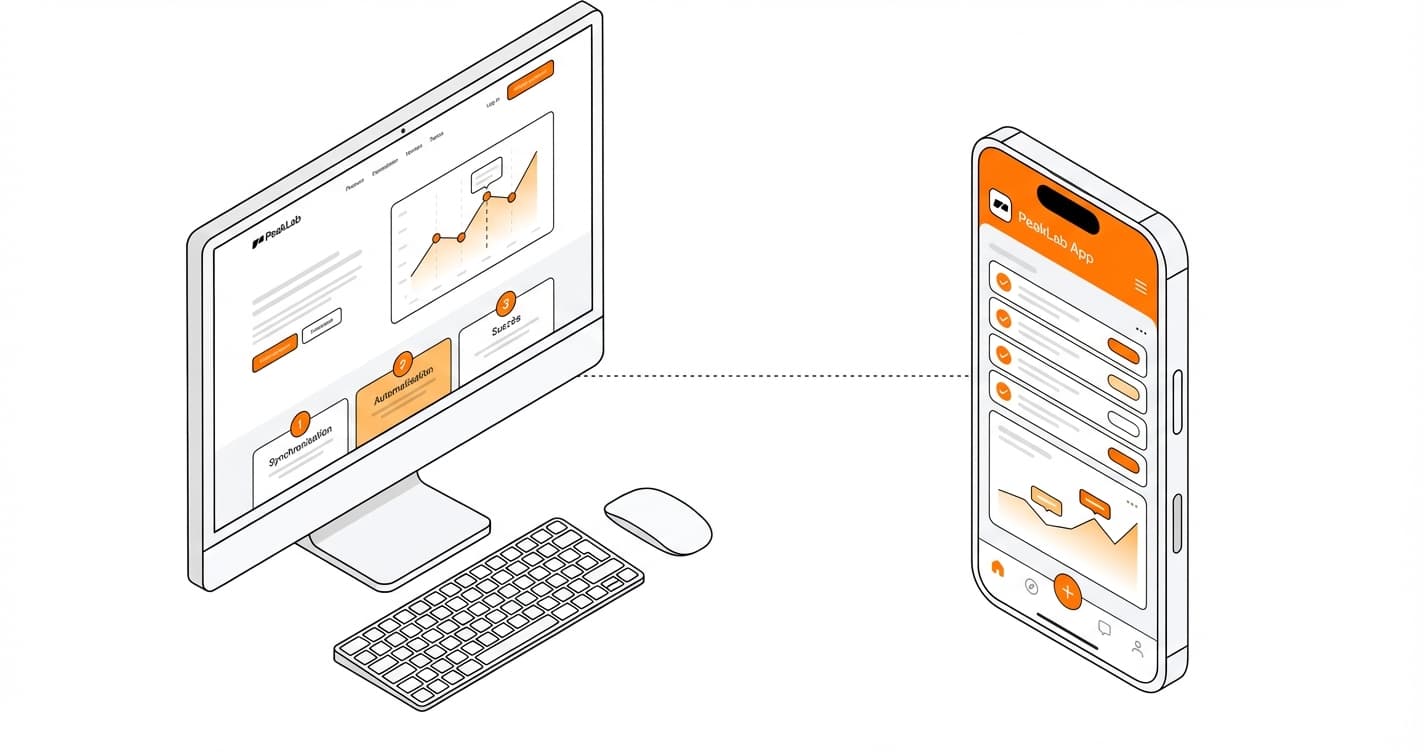
A web application is a digital solution accessible via a web browser, designed not merely to display information, but to enable users to interact, take action, and execute advanced features. It is closer to online software than a simple website, both in terms of complexity and use cases.
Unlike a traditional website, a web application is built around a logic of continuous use. Users do not simply browse pages: they log in, enter data, modify it, save it, and interact with the interface dynamically. The primary goal is to provide a functional tool capable of addressing a specific need.
A web application typically revolves around a user account. Logging in allows the experience to be personalized, specific data to be accessed, and a history of actions to be retained. This personalized dimension is central: each user can have a different interface, permissions, and features depending on their role.
From a functional standpoint, a web application is designed to process data in real time. It can perform calculations, automate processes, manage information flows, or trigger complex actions without page reloads. It is this ability to respond instantly that strongly differentiates it from a traditional website.
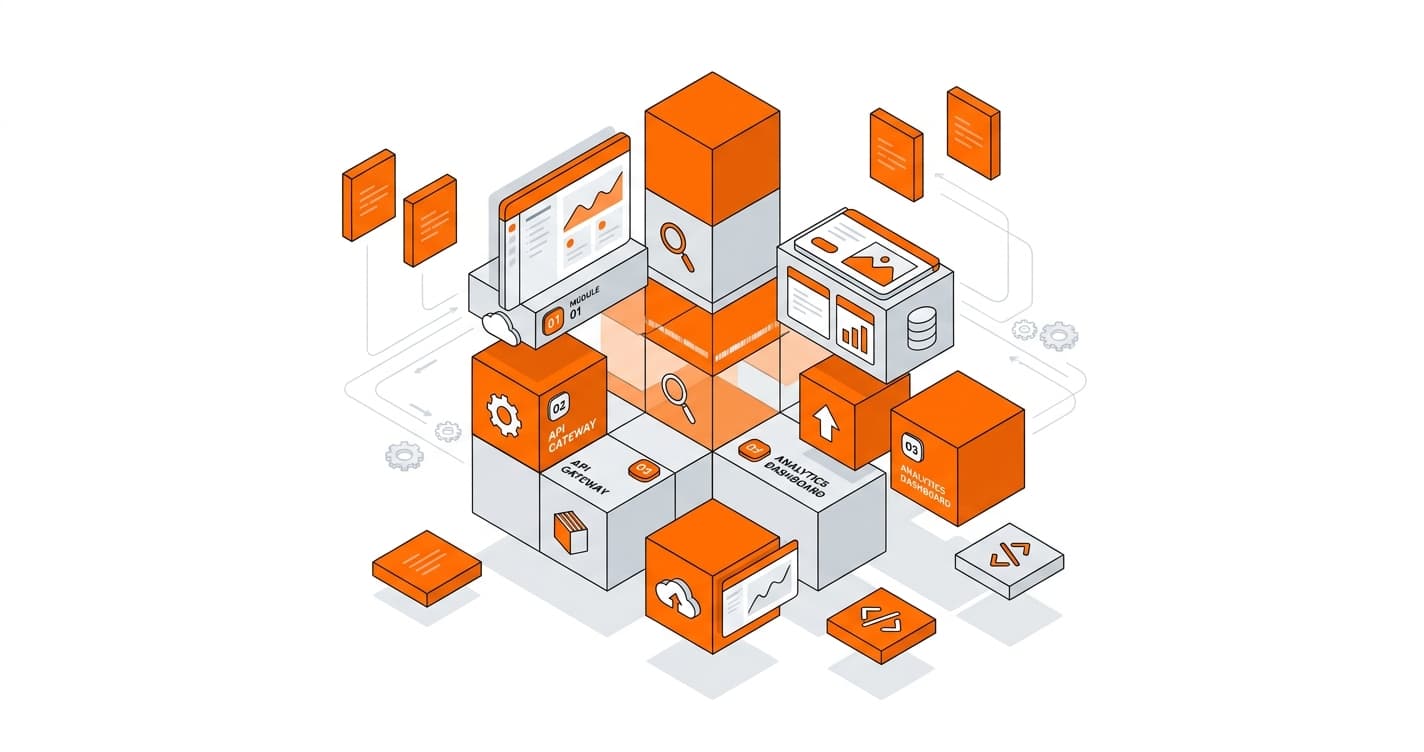
Technically, a web application relies on a more advanced architecture. It combines a dynamic user interface, business logic, and constant communication with servers. Data exchanges happen seamlessly, often in the background, delivering an experience close to that of installed software.
The use cases for web applications are highly varied. They are used to:
A web application is designed to be scalable. It can be enriched with new features over time, adapt to user needs, and evolve without requiring any installation or client-side updates. Every improvement is immediately accessible via the browser.
Another key point is user experience. A web application places great importance on ergonomics, interaction fluidity, and execution speed. The interface is designed to guide users, minimize friction, and maximize efficiency.
It is also worth noting that a web application can be used across different devices — desktop, tablet, smartphone — without requiring specific development for each platform. This cross-platform accessibility makes it a particularly attractive solution for businesses and digital project owners.
In summary, a web application is an interactive and dynamic tool, accessible via a browser, designed to enable users to act, manipulate data, and use advanced features. Where a website informs, a web application drives action. Understanding this difference is essential for choosing the most suitable solution for a digital project.
Free tool
AI Specifications Generator
Create professional project specifications in minutes with our AI-powered tool.
The Differences Between a Website and a Web Application
Understanding the differences between a website and a web application is essential for choosing the most suitable solution for a digital project. Although both are accessible via a web browser and rely on similar web technologies, their objectives, use cases, and levels of complexity are very different.
A website is primarily intended to disseminate information. It targets a broad audience and allows you to present a company, a service, editorial content, or practical information. Navigation is generally linear, with pages that users browse passively. Interaction remains limited: reading, clicking, and occasionally a contact form.
A web application, on the other hand, is designed as an interactive tool. Users do not just browse: they act. They log in, enter data, modify it, save it, and continuously interact with the interface. The web application addresses a specific functional need, often related to productivity, management, or task automation.
The difference is also felt in the relationship with the user. A website is generally accessible without an account, or with optional authentication. A web application, however, almost always relies on a user account system, enabling personalized experiences, permission management, and the storage of profile-specific data.
From a technical standpoint, a website is simpler to design and maintain. It relies on a page-based structure with little complex business logic. A web application, by contrast, requires a more advanced architecture capable of handling data flows, business rules, real-time updates, and sometimes large volumes of information.
User experience represents another major difference. A website prioritizes the clarity and accessibility of information, while a web application seeks fluidity, responsiveness, and efficiency of use — sometimes approaching the feel of installed software.
Here is a clear comparison table to visualize the differences between a website and a web application:
Criterion
Website
Web Application
Primary objective
Inform, present
Interact, act, use
Level of interaction
Low to moderate
High and continuous
User account
Often not required
Generally essential
Data management
Limited
Advanced and dynamic
Technical complexity
Low to medium
High
Business logic
Very limited
Central
User experience
Browsing
Active use
Functional evolution
Rare or occasional
Frequent and progressive
Use cases
Brochure site, blog, institutional
Business tools, platforms, online services
In summary, the difference between a website and a web application comes down primarily to use. A website informs and communicates, while a web application enables action, management, and automation. The choice between the two therefore depends directly on the project’s objectives, the expected level of interaction, and the features to be offered.
Website or Web Application: Which Solution Should You Choose for Your Project and Needs?
Choosing between a website and a web application depends above all on your project’s objectives, the expected level of interaction, and how users will engage with your solution. There is no universal answer: the right choice is the one that genuinely matches your functional and strategic needs.
A website is particularly well-suited if your primary goal is to present an activity, share information, or strengthen your online visibility. It is the ideal solution for a brochure site, a blog, an institutional website, or an information portal. If users mainly need to browse content, understand your offering, or get in touch with you, a website is more than sufficient. It is generally faster to set up, simpler to maintain, and less costly to develop.
On the other hand, a web application becomes essential as soon as your project requires advanced interaction with users. If they need to log in to a personal space, manage data, perform repeated actions, or use complex features, a web application is the most relevant solution. It is perfectly suited to business tools, collaborative platforms, online software, or services requiring automated processes.
The expected evolution of the project is also a key criterion. A website often addresses a relatively stable need, with occasional content updates. A web application, by contrast, is designed to evolve continuously, integrate new features, and adapt to user behaviors.
You should also consider the expected user experience. If the priority is quick access to information, a website is sufficient. If the goal is to offer a fluid, interactive, and personalized experience, a web application provides far more possibilities.
Finally, the choice depends on your resources. A web application requires more time, expertise, and investment, but it delivers greater functional value. A website is more accessible, but limited in terms of interactivity.
In summary, choose a website to inform and communicate, and a web application to act, manage, and automate. The right choice is the one that precisely meets your current needs while remaining consistent with your future ambitions.
What Are the Advantages and Disadvantages of a Website?
A website is often the first building block of a digital project. Simple to design and widely accessible, it offers many strengths, but also certain limitations depending on the objectives pursued. To make an informed decision, it is important to fully understand the advantages and disadvantages of a website.
The Advantages of a Website
The first advantage of a website is its simplicity. It is designed to be easily browsed via a browser, with no installation or special configuration required. This accessibility allows you to reach a broad audience, regardless of the device used (desktop, tablet, or smartphone).
A website is also quick to set up. Compared to a web application, its development requires less time and fewer resources. This makes it an ideal solution for projects that need to launch quickly, such as a brochure site, a blog, or an institutional website.
Another strength: development and maintenance costs are generally lower. A website requires less complex logic, which reduces initial costs and ongoing expenses. Updates mainly concern content, which can often be managed without advanced technical skills.
A website is also an excellent communication tool. It allows you to clearly present an activity, services, values, or informational content. It plays a key role in the credibility of a company or project and is often the main entry point for visitors.
Finally, a website is easily scalable from an editorial standpoint. Adding pages, updating text, or publishing new content can be done quickly, making it a flexible medium for sharing information.
The Disadvantages of a Website
Despite its many advantages, a website also has functional limitations. Its main drawback is its low level of interaction. Users browse the content, but generally cannot perform complex or repeated actions.
A website is also less suited to projects requiring advanced data management. It is not designed to manipulate information in real time, handle complex workflows, or offer features comparable to software.
Another limitation: the user experience is often more static. Even if the design can be polished, the absence of application logic makes usage less fluid for intensive or professional needs.
Finally, a website can become insufficient in the long run as a project evolves. When a need for automation, personalization, or interactive tools arises, migrating to a web application may be necessary, which involves a more significant overhaul.
What Are the Advantages and Disadvantages of a Web Application?
A web application is a powerful solution for addressing advanced functional needs. It offers an interactive and personalized experience, but it also comes with certain constraints. To make an informed decision, it is essential to fully understand the advantages and disadvantages of a web application.
The Advantages of a Web Application
One of the main advantages of a web application is its high level of interactivity. Unlike a traditional website, it allows users to act, enter data, modify it, and interact with the interface in real time. This capability is essential for business tools, collaborative platforms, or online services.
A web application also delivers a fluid and personalized user experience. Thanks to user accounts, each person can access their own data, preferences, and features. This personalization strengthens engagement and improves efficiency of use.
Another major asset: advanced data management. A web application is designed to process, store, and manipulate large volumes of information. It can automate processes, apply complex business rules, and provide dynamic dashboards.
Web applications are also scalable. They can integrate new features over time without requiring any client-side installation. Updates are deployed centrally, ensuring that all users immediately benefit from improvements.
Finally, a web application is accessible on all devices via a simple browser. This cross-platform compatibility reduces technical constraints and enables seamless use on desktop, tablet, or smartphone.
The Disadvantages of a Web Application
Despite its many advantages, a web application also presents significant constraints. The first drawback concerns development cost. Building a web application requires more time, expertise, and resources than a traditional website.
Technical complexity is also higher. A web application relies on a more sophisticated architecture, requiring regular maintenance, security updates, and continuous monitoring.
Another point to consider is design time. Developing a web application requires an in-depth needs analysis phase, testing, and iterations, which extends the time to production.
Finally, a web application can be over-engineered for certain projects. If the needs are limited to sharing information or simple interaction, a web application becomes unnecessarily complex and costly.
LA
Lucien Arbieu
AI expert and digital transformation consultant at PeakLab.